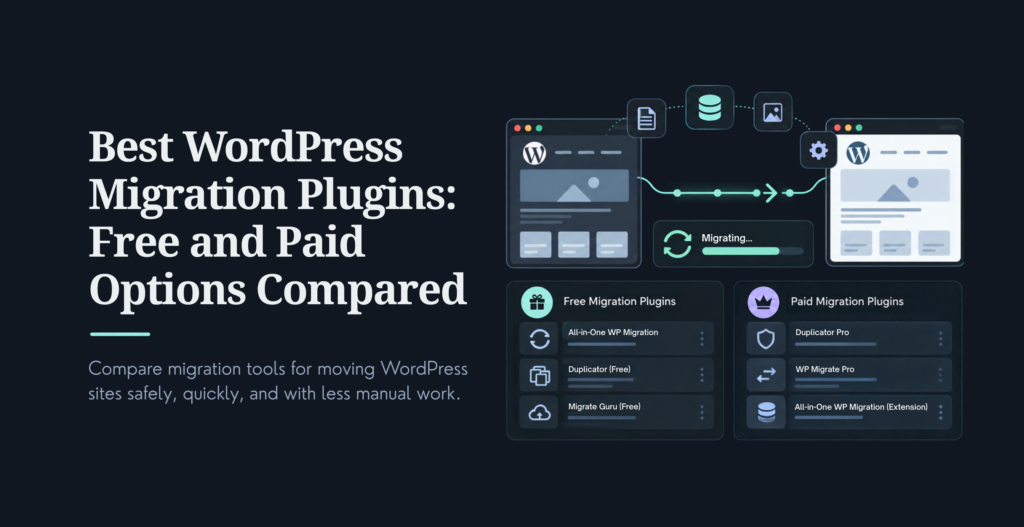
The best WordPress migration plugin for you depends on one thing more than any other: how big is your site, and does it have anything unusual in it, like a large media library, a multisite network, or custom database tables from an older theme. Migrate Guru and BlogVault handle large sites without straining your server, since the heavy lifting happens on their infrastructure, not yours. All-in-One WP Migration and Duplicator are the go-to free options for a straightforward, smaller site move. And if you’re already hosted with SiteGround or Bluehost, their own migration plugins are usually the fastest path if you’re moving to them specifically.
A botched migration means broken URLs, lost SEO rankings, and a site that’s down while you scramble to fix it. The right plugin, matched to your actual situation, turns that into a non-event. Here’s what’s worth using right now, what changed since the last time this list got a real update, and a checklist to run the move safely.
We weighted seven things: ease of use, reliability on large or complex sites, whether it handles a full site or just the database, performance limits and chunked transfer support, compatibility with current PHP and WordPress versions, pricing relative to what you get, and whether the plugin is still actively maintained. A plugin that hasn’t shipped an update in two years doesn’t make this list regardless of its old reputation, since an unmaintained migration tool is a real risk on a current WordPress install.
On the migrations our team runs for clients, the single biggest predictor of a smooth move isn’t which plugin gets picked. It’s whether someone tested the migration on a staging copy first. A plugin failure on staging costs you twenty minutes. The same failure on a live production site costs you a support ticket and a very bad afternoon. If your current setup doesn’t have a staging environment, our WordPress development team can help you set one up before your next migration, not during it.
Primarily a backup tool that doubles as a migration path once WordPress is already installed on the destination
Schedules and stores backups to remote locations, and works with WordPress multisite networks
Incremental backups reduce the server load compared to a full backup every time
Pricing: the Migrator add-on runs $30 on top of the free base plugin, or $70 for the Premium bundle.
UpdraftPlus is the plugin most people already have installed for backups, which makes it a convenient migration option if you don’t want to add a dedicated tool. Its one real limitation hasn’t changed: WordPress needs to already be running on the destination before it can help.
Compatible with more than 10,000 hosting providers, which limits failures caused by host incompatibility
Moves full sites, including non-WordPress files, with automatic URL rewriting across posts, pages, and images
Runs the heavy lifting on its own servers, so a live site sees no downtime and no server strain during the move
Pricing varies meaningfully by source and plan structure right now, roughly $7 to $8 a month on an annual base plan, scaling toward $89 a year and up depending on site count and add-ons. Confirm the current tier directly at blogvault.net before quoting a price to a client.
BlogVault earns its reputation on reliability for larger, more complex sites, and it’s the engine that also powers Migrate Guru below. Its one real gap: it can’t move a purely local site straight to a live server.
This is the plugin most guides still call BackupBuddy. It isn’t anymore. Originally from iThemes, it was rebranded Solid Backups when iThemes became SolidWP in 2023, and it was rebranded again to Kadence Backups in May 2026 as part of a wider product consolidation. It’s no longer sold as a standalone product, it now comes bundled with Kadence’s Pro plan (roughly $299 a year) or Elite plan.
Automated scheduled backups, restore, and migration in one package, with staging-to-live deployment
Remote storage support for Amazon S3, Google Drive, and Dropbox
If you’re already invested in the Kadence ecosystem for themes and blocks, this is a natural fit. If you’re not, the bundling requirement means it’s no longer a simple, standalone purchase the way it used to be, and that’s worth knowing before you recommend it to a client based on an old review.
Scheduled backups on a daily, weekly, or monthly cadence, downloadable locally without an FTP client
Email notifications after every backup run
Pricing: migration is a paid feature, listed around $79 a year for one site; the base backup functionality is free.
WPBackItUp is a straightforward backup-first plugin where migration is the add-on, not the main pitch. It’s a reasonable pick if backups are your primary concern and migration is occasional
Supports WordPress versions going back to 3.3, along with a wide range of hosts, PHP versions, and operating systems
Imports data in chunks to work around a host’s file size restrictions
The free version caps import size at 512MB, which covers a lot of smaller sites but not media-heavy ones
Pricing: the Unlimited Extension, which removes the size cap, runs $69 on its own, or $99 as the Pro bundle with cloud storage destinations included. A separate Multisite Extension for full network migration runs $319.
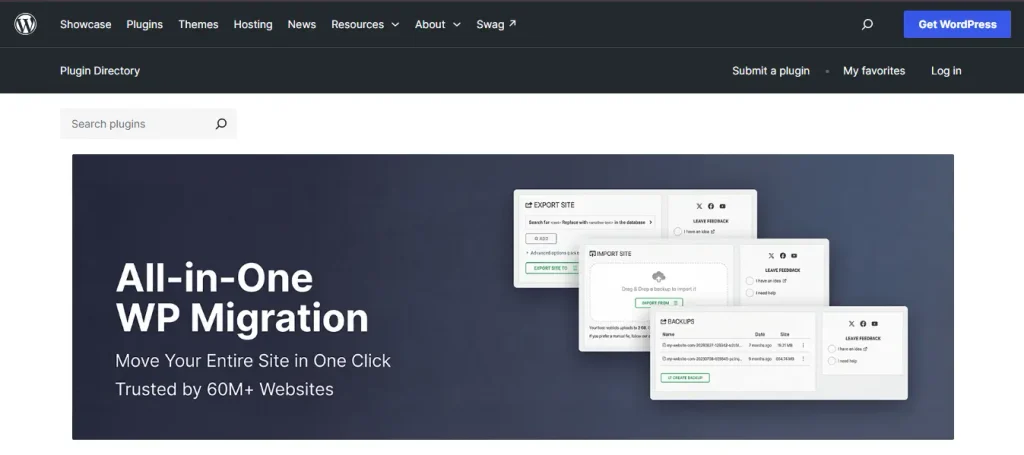
This remains one of the most widely used migration plugins for a reason: the drag-and-drop interface is genuinely easy for a non-technical user, and the free tier is often enough for a small site. Its main catch, the 512MB import cap, is exactly what the paid extension exists to remove.
Bundles an entire site into a package, no separate WordPress install required on the destination first
A guided, step-by-step migration wizard that updates URLs automatically after unpacking
Pro adds server-to-server imports, staging environments, and scheduled backups with cloud storage
Pricing changed shape since the last time this list was updated: Duplicator Pro now runs four tiers, Basic at $79 a year for 2 sites, Plus at $199 for 5 sites, Pro at $399 for 20 sites with staging included, and Elite at $599 for 100 sites with activity logging. The free version remains genuinely useful for a single, straightforward migration.
Duplicator’s free tier is one of the strongest of any plugin on this list for a one-time move. The Pro tiers are worth it specifically once staging environments or managing many client sites enters the picture, not for a single migration.
Completely free, with no premium upgrade required, built by the BlogVault team
Handles sites up to 200GB without straining your hosting resources, since the migration runs on BlogVault’s servers
A largely automated wizard: enter destination credentials, click migrate, and it handles URL rewriting and serialized data
For most straightforward host-to-host moves, Migrate Guru is the clearest free recommendation on this entire list. Its real limitation is scope, not size: it doesn’t support multisite migrations or moving a local install to a live server.
Push and pull databases directly between environments instead of manually exporting and re-importing files
Handles serialized data correctly and supports multisite-to-single-site migrations
Choose specific tables to transfer rather than moving the entire database every time
Now owned by WP Engine after its acquisition of the original developer, Delicious Brains, and still actively maintained, with security and stability updates shipped as recently as August 2026. Pricing starts from roughly $49 a year.
This is the plugin developers reach for specifically because of the push and pull workflow, syncing a database between local, staging, and production without the manual export-import dance. If your team does that regularly, it earns its keep fast.
Automated backup and cloning from directly within the dashboard
Connects to third-party cloud storage, including Google Drive and Amazon S3
Pricing: a one-time $35 covers the plugin, future updates, and six months of premium support. There’s no free version.
This one is easy for a beginner to set up, and the one-time price is a genuine advantage over the subscription model most of this list uses. Its main limitation is that it isn’t a free option, so weigh it against Migrate Guru if budget is the deciding factor.
No FTP access required for backup, migration, or cloning
Creates full site copies for testing and development, not just live-to-live moves
The plugin is still listed and actively updated under the simpler name Clone on the WordPress.org directory. The original post’s mention of a $15 premium migration feature couldn’t be confirmed against current documentation, which only describes free, donation-supported functionality, so treat that pricing claim with caution until you verify it directly. It’s a reasonable free option for smaller sites, with a known limitation on sites over roughly 2GB.
Free, purpose-built to move any WordPress site onto SiteGround hosting specifically
Token-based activation from the SiteGround control panel handles the rest automatically
Creates a temporary domain during the move, so you switch DNS only once everything checks out
If you’re moving to SiteGround, this is consistently one of the more reliable host-specific tools available. It doesn’t support multisite networks and can’t pull from a purely local environment.
Free, and built specifically to move a site onto Bluehost
Same token-based, largely hands-off workflow as SiteGround’s equivalent tool
This is the right call specifically when Bluehost is your destination host. It shares the same core limitations as SiteGround’s tool: no multisite support, and no local-to-live transfers.
Real-time, cloud-based backups with one-click restores, built on WordPress.com’s infrastructure
Migration capability included, letting you move your full database, theme, plugins, and content to a new install
Incremental backups that save server resources compared to a full backup every run
Pricing now runs closer to $9.95 a month for the Backup product on its own, a change from the original per-plugin pricing this list used to quote. It’s sold today primarily as Automattic’s backup and security product, with migration as a secondary capability rather than the main pitch.
If you already run other Jetpack modules, this is a natural add-on. If backup and migration are your only needs, a dedicated tool like BlogVault or Migrate Guru is a more direct fit without pulling in a broader Jetpack subscription.
How AI Fits Into WordPress Migration Now
AI hasn’t replaced any of the plugins above, and it shouldn’t. What’s changed is what happens when one of them hits an edge case a generic tool can’t handle, an old theme’s custom database tables, serialized data in a format the plugin doesn’t recognize, or a multisite network that needs partial rather than full migration.
On the migrations where a plugin alone doesn’t cut it, we’ve started using AI coding assistants like Claude Code to write a targeted WP-CLI search-and-replace script for the specific edge case, tested against a staging copy of the database before it ever touches production. That’s a meaningfully faster path than hand-writing a custom script from scratch, and it’s safer than trusting a general-purpose plugin to handle something it wasn’t built for. It doesn’t replace the plugin, it fills the gap the plugin leaves. If your migration involves this kind of custom work, our WordPress development team handles exactly this category of problem.
How to Choose the Right Migration Plugin
Define your scenario: shared hosting to managed WordPress, local to live, staging to production, or a domain change
Check your site’s size and complexity: media library size, custom database tables, WooCommerce, multilingual setups
Match plugin strengths to your needs: large sites want chunked transfer and resume support, multisite needs explicit support for it, developer workflows want database push and pull, non-technical users want a one-click wizard
Weigh your budget: free versus paid, one-time purchase versus subscription, and how many sites you’re managing
Test on a staging copy before you touch production, no exceptions
If You Are…
Start With
A freelancer on a tight budget, moving one site
All-in-One WP Migration (free) or Duplicator (free)
Managing dozens of client sites
BlogVault or Duplicator Pro’s higher tiers
Moving a large, media-heavy site for free
Migrate Guru
A developer syncing local, staging, and production often
WP Migrate, for its push and pull workflow
Moving specifically to SiteGround or Bluehost
That host’s own free migrator plugin
How to Migrate a WordPress Site Without Breaking It
We call this the Stage-Verify-Monitor method, and it’s the same sequence regardless of which plugin you’re using.
Take a full backup of files and database before touching anything
Choose your plugin based on your specific scenario, not habit
Migrate to a staging environment first whenever one is available
Only update DNS or point the domain after the staging test passes cleanly
Monitor the live site for 48 to 72 hours after cutover for errors, broken links, missing media, or email delivery issues
Keep the old site and its backups for at least 7 to 14 days as a rollback option
Common pitfalls worth checking specifically: mixed HTTP and HTTPS content after the move, an incorrect site URL left in the database, cached old URLs your CDN or browser hasn’t cleared, plugin conflicts that only show up on the new host, and incomplete database serialization that quietly breaks widgets or page builder content.
Migration Trends Worth Knowing
Sites keep getting bigger and more media-heavy, which is pushing more plugins toward chunked, resumable transfers instead of one large file move that fails halfway through. Staging-to-production workflows are now standard on most managed hosting platforms, not an advanced technique reserved for large teams. Headless and decoupled front ends are more common, but they still need the underlying database and content migrated reliably, that part of the job hasn’t gone away. And hosts are increasingly building their own free migration tools rather than leaving it entirely to third-party plugins, which is worth checking before you default to a paid option out of habit.
Common Mistakes When Migrating a WordPress Site
Skipping a full backup before starting the migration
Choosing a plugin that can’t actually handle your site’s size or multisite structure
Migrating straight to production without testing on staging first
Forgetting to update URLs, SSL configuration, or DNS correctly after the move
Ignoring email deliverability, forms, and third-party integrations until a user reports them broken
Deleting the old site and its backups too soon, leaving no way to roll back
Final Thoughts
The best WordPress migration plugin in any given year depends on your site’s size, your hosting setup, your technical comfort level, and your budget, not on which plugin has the most reviews. Use this list to match a plugin to your actual scenario, and always test on staging before you touch a live site. For more on keeping a site secure once it’s moved, our guide on WordPress security plugins and our broader WordPress security guide are worth reading next.
If you’re migrating a WordPress multisite network, an ecommerce store, or a large enterprise WordPress site, and want a second opinion before you commit to a plugin, our team can walk through your specific setup and recommend the right approach, or handle the migration directly if you’d rather not risk it yourself.
Frequently Asked Question
What is the best free WordPress migration plugin?
Migrate Guru is the strongest free option for most site sizes, since it runs on BlogVault’s infrastructure and handles sites up to 200GB without straining your host. All-in-One WP Migration and Duplicator are also solid free choices for smaller, more straightforward moves.
Which plugin is best for migrating large WordPress sites?
Migrate Guru and BlogVault both handle large, media-heavy sites well, since the migration processes on their servers rather than yours. All-in-One WP Migration can also handle large sites once you add the Unlimited Extension to remove its default 512MB cap.
Can I migrate my WordPress site without downtime?
Yes, if you follow a staging-first workflow. Migrate to a staging environment, verify everything works, and only point your domain to the new location after that test passes. Tools like BlogVault and Duplicator Pro are built around this kind of zero-downtime migration path.
What is the easiest way to migrate WordPress to a new host?
For most non-technical users, a one-click wizard plugin like All-in-One WP Migration or Duplicator is the easiest path. If your destination host offers its own free migrator, like SiteGround Migrator or Bluehost Migrator, that’s often even simpler since it’s built specifically for that host’s environment.
Do I need a migration plugin if my host offers free migration?
Not necessarily. A host’s own migration service or plugin is often the fastest, most reliable option when you’re moving specifically to that host. A dedicated plugin becomes worth it when you need more control, multisite support, or you’re moving to a host without its own migration tool.
Which WordPress migration plugin supports multisite?
Duplicator Pro, UpdraftPlus, Backup Guard, and WP Migrate all support multisite migrations. All-in-One WP Migration supports it too, but only with its separate Multisite Extension. Migrate Guru, SiteGround Migrator, and Bluehost Migrator do not currently support full multisite network migrations.
Girish Panchal
Technical Architect
A Technical Architect, proficient in WordPress, Drupal, Laravel, and DevOps tasks, crafts robust IT solutions with a blend of expertise and versatility in web development and infrastructure management.




 KrishaLabs
 KrishaStudio
 KrishaStore